

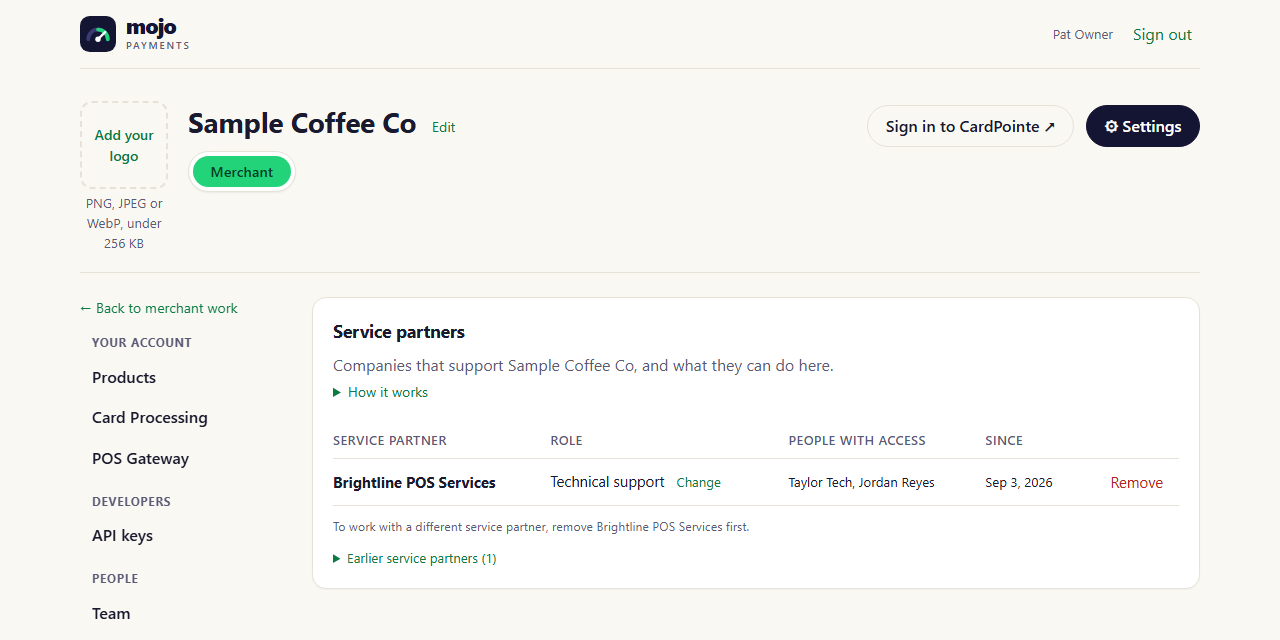
Settings → Service partners (portal as of October 2026)
Inviting a service partner
You work with one service partner at a time. The invite form shows while you have none; to switch partners, remove the current one (or withdraw its invitation), then invite the new one.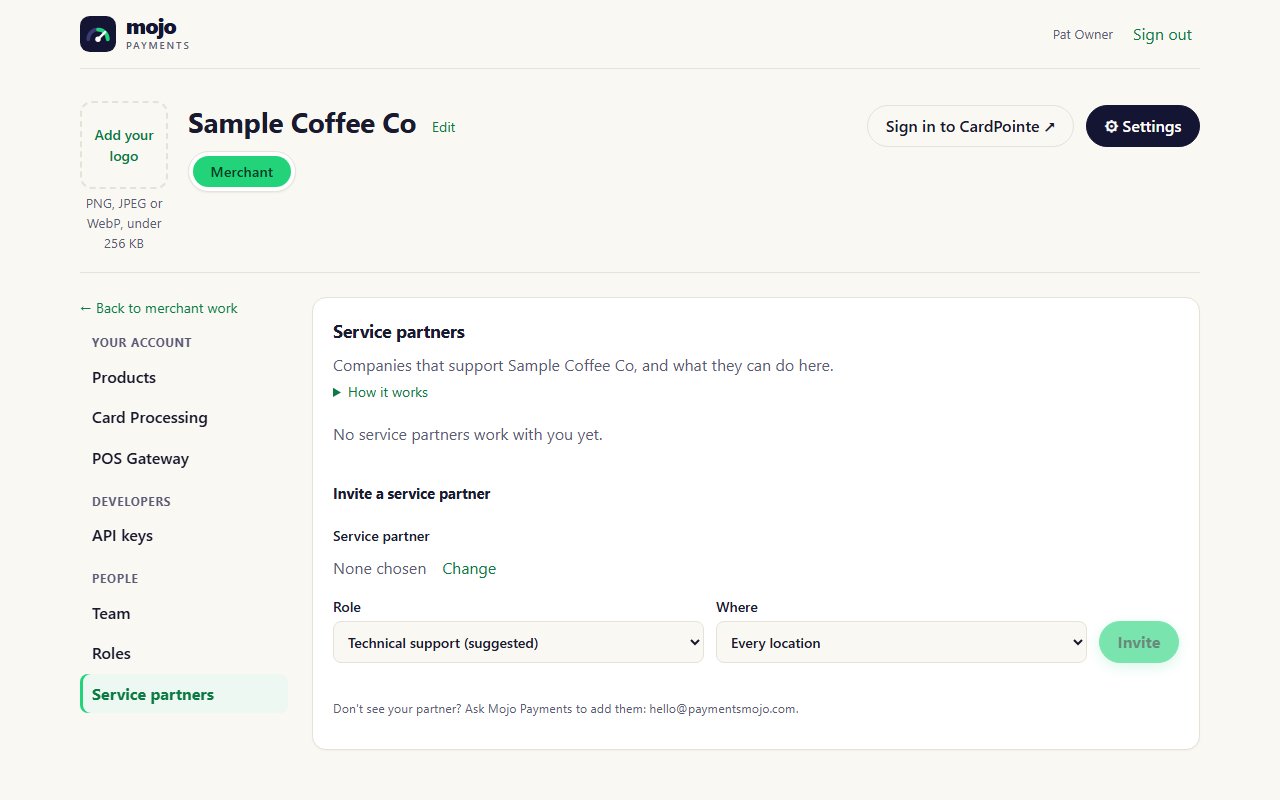
Inviting a service partner (portal as of October 2026)
1
Find the company
Under Invite a service partner, search for the company by name.
2
Choose a role
Technical support is suggested: it covers what technical work needs and nothing more (see below). You can
choose any of your roles instead, except Owner.
3
Choose where
Every location, or one location if they only support that store.
4
Invite
The partner is emailed. Until they accept, the invitation shows as waiting; Withdraw cancels it.
The Technical support role
Technical support lets a partner set up your products and troubleshoot your registers without running your business:
Given at one location, it covers only that store.
Changing or removing a partner
- Change gives the partner a different role. It applies to everyone from that company who works for you.
- Remove ends their access. Everyone from that company loses access to your account within a minute. You can invite them again later, or invite a different partner.