

Your team
Your company has its own Team and Roles under Settings, like any business in Mojo Payments:
Invite your people from Settings → Team. You can also make your own roles.
Merchants’ invitations
When a merchant invites you, your Owner and Admins get an email. The invitation waits under Clients → Invitations, with the role the merchant is offering.- Accept to start working with them, then choose who from your team works for them.
- Decline if you don’t support them. They’re told either way.
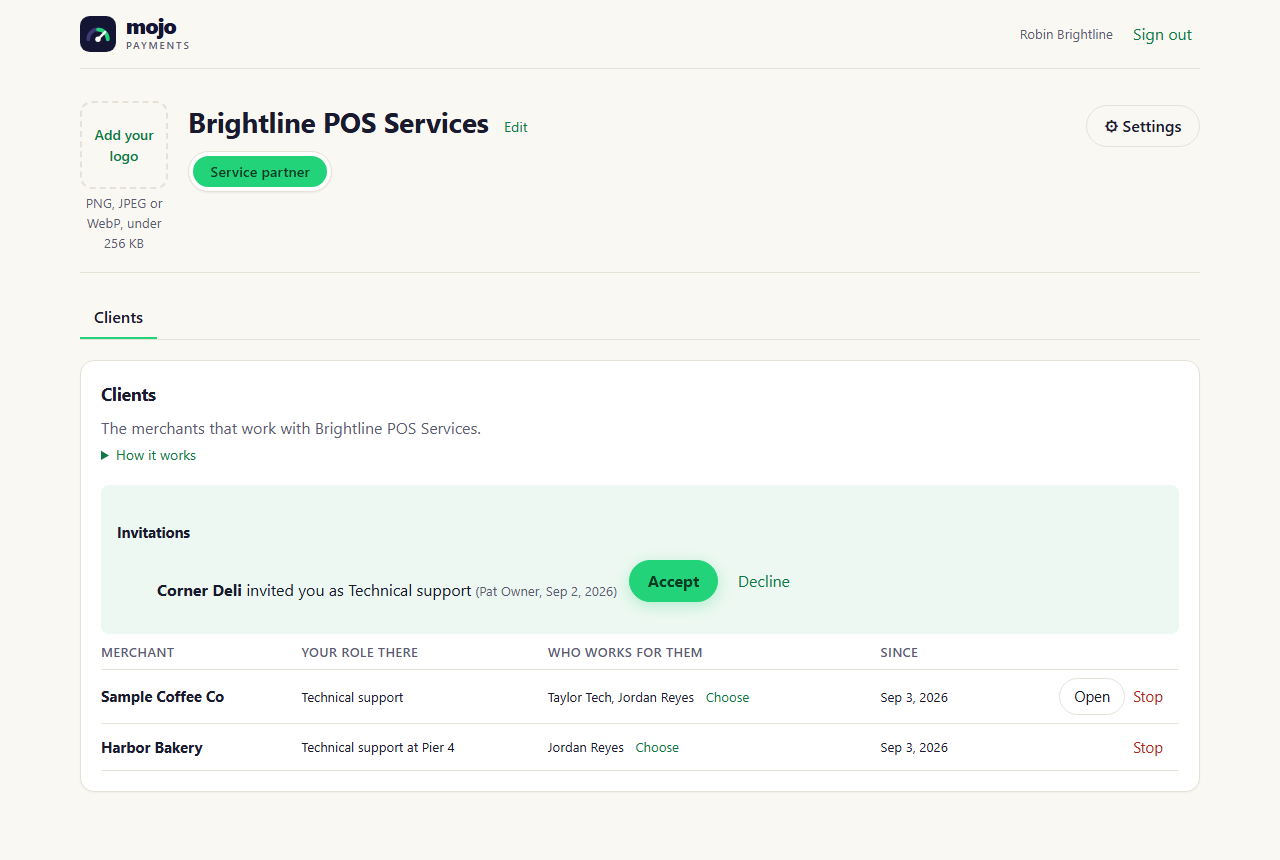
Clients, with an invitation waiting (portal as of October 2026)
Choosing who works for each merchant
On Clients, next to each merchant, Choose the people who work for them. Only those people can open that merchant. Change it at any time: someone you take off loses access within a minute.Working in a merchant’s account
Assigned technicians see their merchants:- in the switcher at the top of the portal: type a name to find one, and pick it;
- on Clients, with Open;
- on the home page, under Clients.