

A new register (POS Gateway)
On Settings → POS Gateway → Register keys, choose the location and the terminal and create the key. While the secret is on screen, Download register setup gives a zip with the Mojo Payments CLI, its settings and the key, ready for the register. See Installing the CLI.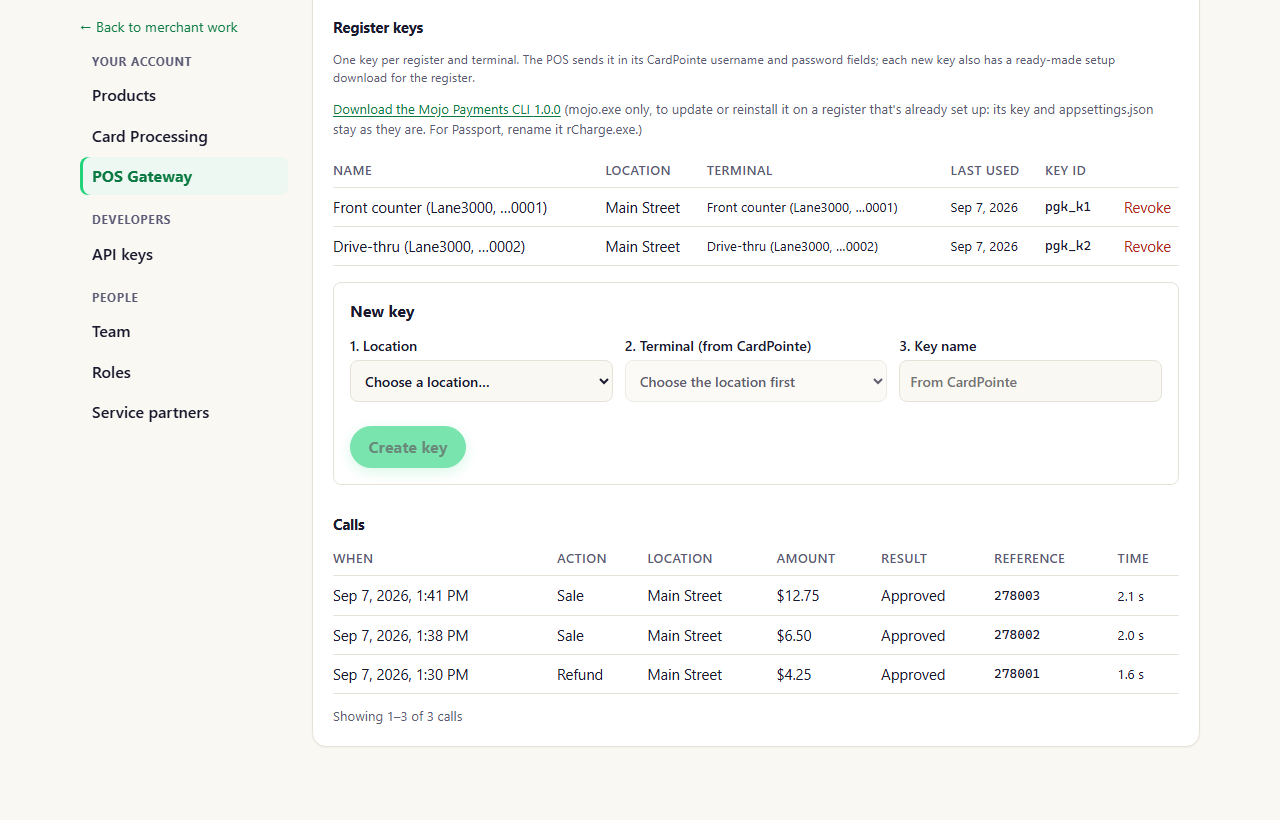
Settings → POS Gateway → Register keys (portal as of October 2026)
Updating or reinstalling the CLI
On the same page, Download the Mojo Payments CLI gives the program on its own (mojo.exe). Use it to update a
register or reinstall the program without making a new key: the register’s key and appsettings.json stay as they
are. For Passport, rename it rCharge.exe.
Terminal settings
Each location’s terminal settings (what the terminal asks for, tips, how long it shows the result) are on the POS Gateway page. See POS Gateway.Slow or failing payments
- The call log on the POS Gateway page lists every call the registers made, with the processor’s answer and how long it took.
- Register diagnostics (MojoDiag) checks a register end to end. With Technical support at a location you can get its MojoDiag codes, download MojoDiag, and set up the nightly check.
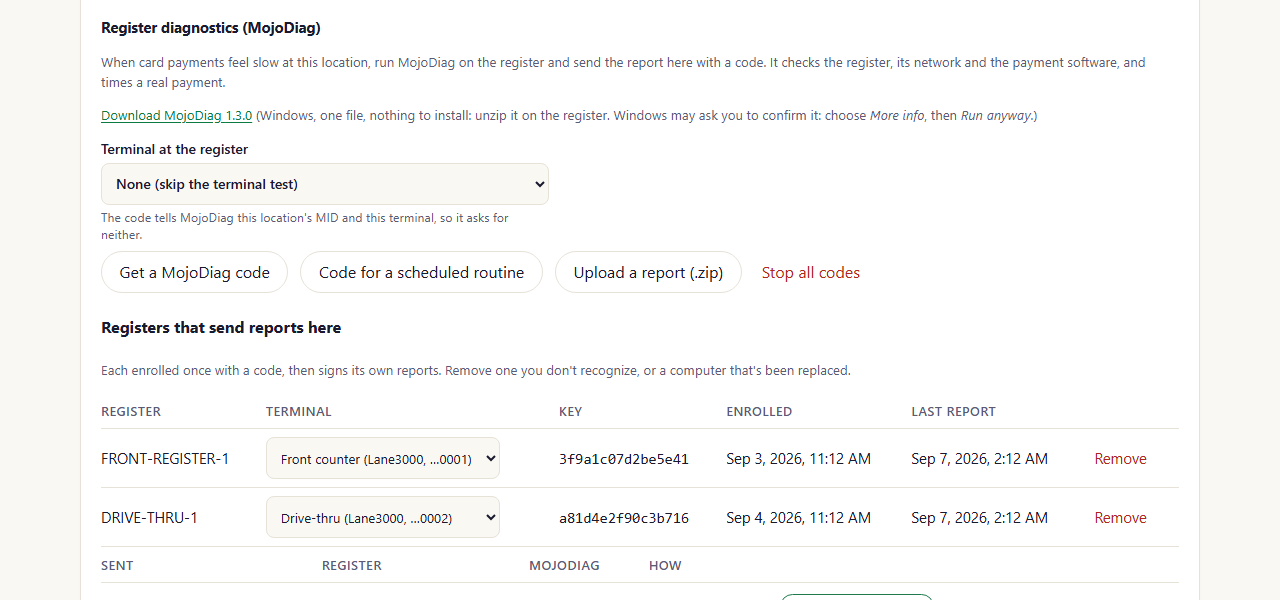
A location's Register diagnostics (portal as of October 2026)