

What you need
- A Windows register (Windows 10 or 11) that takes card payments with Mojo Payments.
- Permission to run register diagnostics at the location, to get a code: Owners, Admins and Technical support, so your service partner can do it too.
- Administrator rights on the register for the full check and for a nightly routine. Without them MojoDiag still runs, but a few checks are limited.
Download MojoDiag
- In the portal, open Locations and the location the register is at.
- Under Register diagnostics (MojoDiag), choose Download MojoDiag.
- Unzip it on the register. It’s one file,
MojoDiag.exe, with nothing to install.
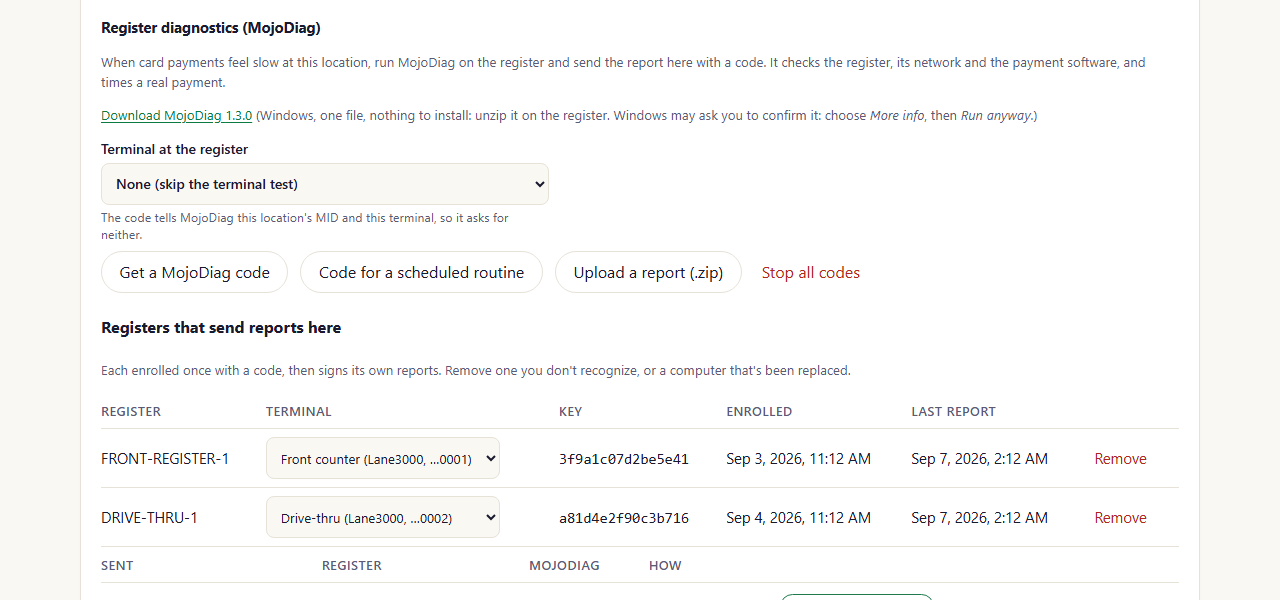
A location's Register diagnostics (portal as of October 2026)
Run it once
- In the location’s Register diagnostics (MojoDiag), choose the Terminal at the register (the terminals listed are the ones on the location’s MID), then Get a MojoDiag code.
- On the register, right-click
MojoDiag.exeand choose Run as administrator. - When it starts, type the code. That’s all it needs: the code tells it the location, the MID and the terminal.
- Answer its questions. It asks before it tests the card terminal (the terminal shows “Mojo diagnostics” for a moment), and before it watches a real payment: ring up a sale on the point of sale, tap a card, then void the sale. You can skip either one. At the end it asks to send the report.
Run it every night
-
In the location’s Register diagnostics (MojoDiag), choose the register’s terminal, then Code for a scheduled
routine.
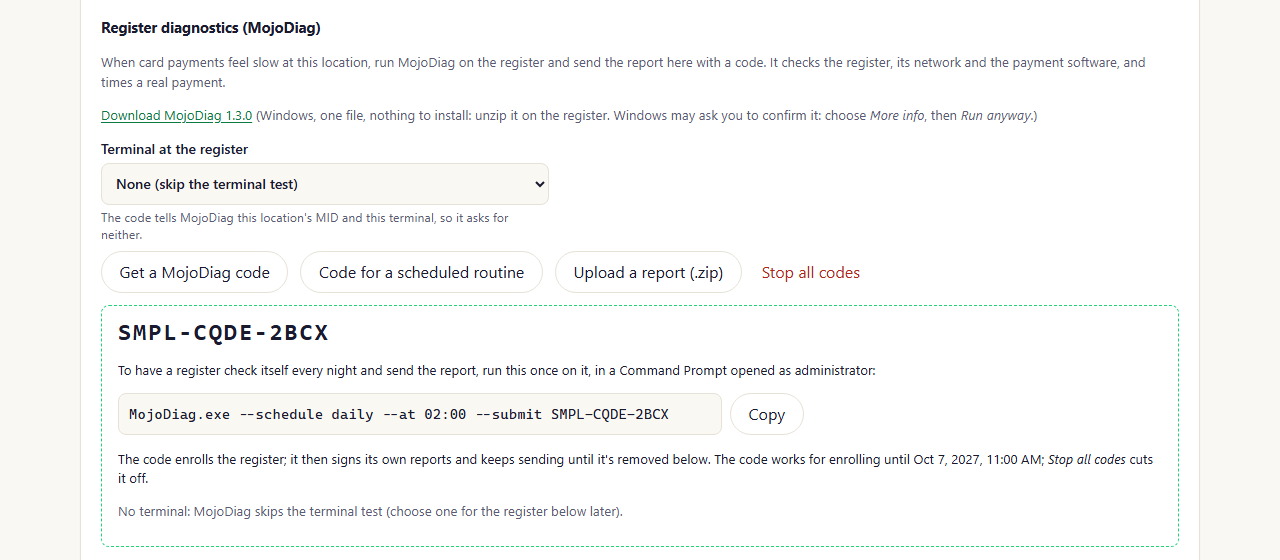
A code for the nightly check, with its command to copy (portal as of October 2026)
-
On the register, open Command Prompt as administrator in the folder with
MojoDiag.exe, and paste the command (Copy next to it in the portal), for example:
C:\ProgramData\Mojo Payments\MojoDiag and adds a Windows scheduled task, Mojo
Payments\MojoDiag, that runs it at that time every day and sends the report.
The nightly run never tests the terminal or asks for a card, so it can’t get in the way of a sale. It measures payment
times from the payment software’s own records of the day’s real payments. It reads those records without locking them.
To stop the nightly run, open Command Prompt as administrator and run:
Other ways to run it
When you run it yourself, MojoDiag opens the report for you to read. Once the report is sent, it’s deleted from the
register, so nothing piles up on the computer. Nothing is saved on the desktop.
If a report can’t be sent (the register can’t reach the internet, or you skipped the code), MojoDiag tells you where the
.zip is and keeps it for 7 days. Bring it to another computer and choose Upload a report (.zip) on the location.